Help & Instructions
This page explains how to check or change your screen resolution on different devices.
How to Change Screen Resolution (Windows)
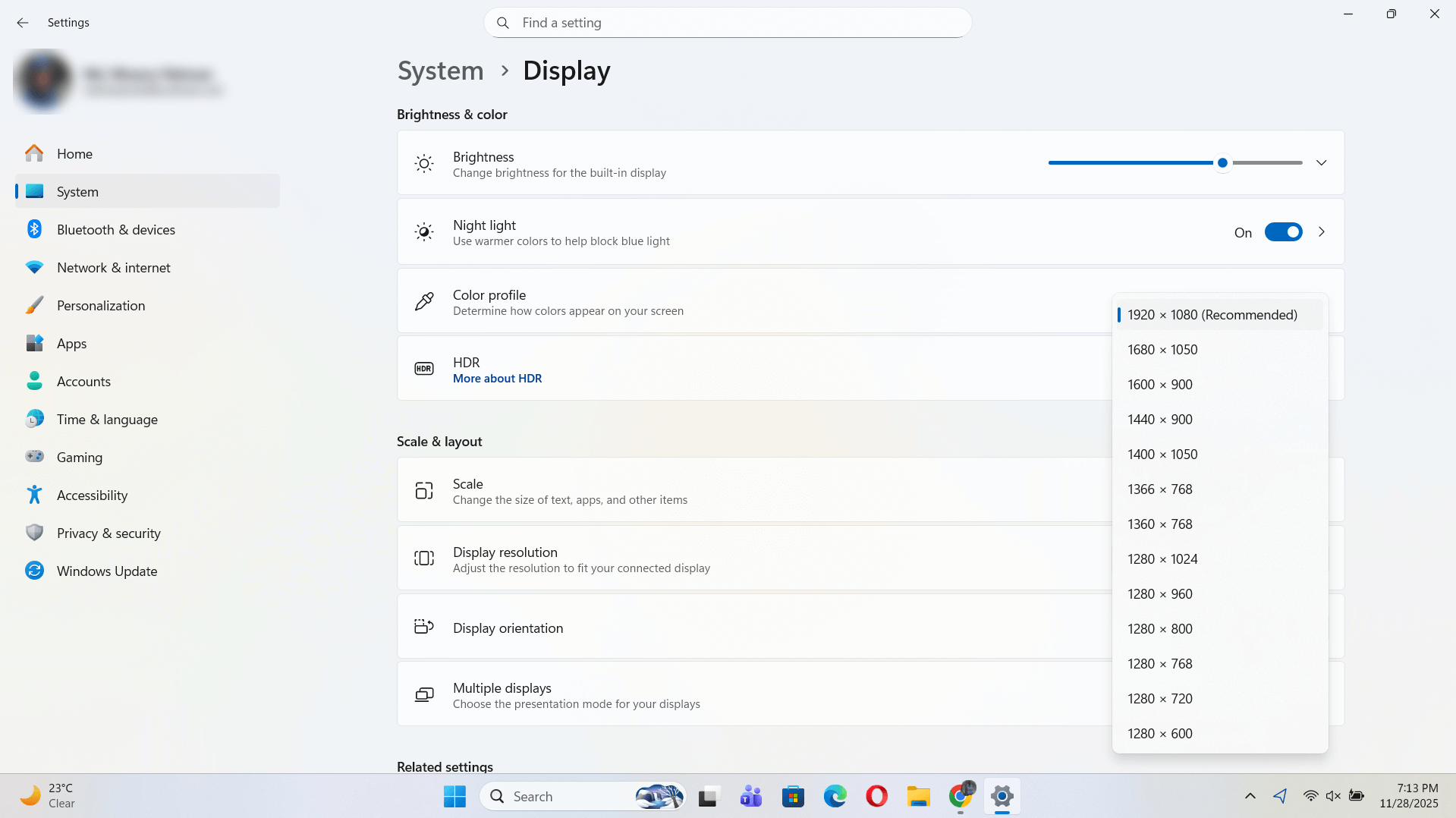
- Right-click on your desktop.
- Select Display settings.
- Scroll to Display resolution.
- Choose your desired resolution.
On macOS
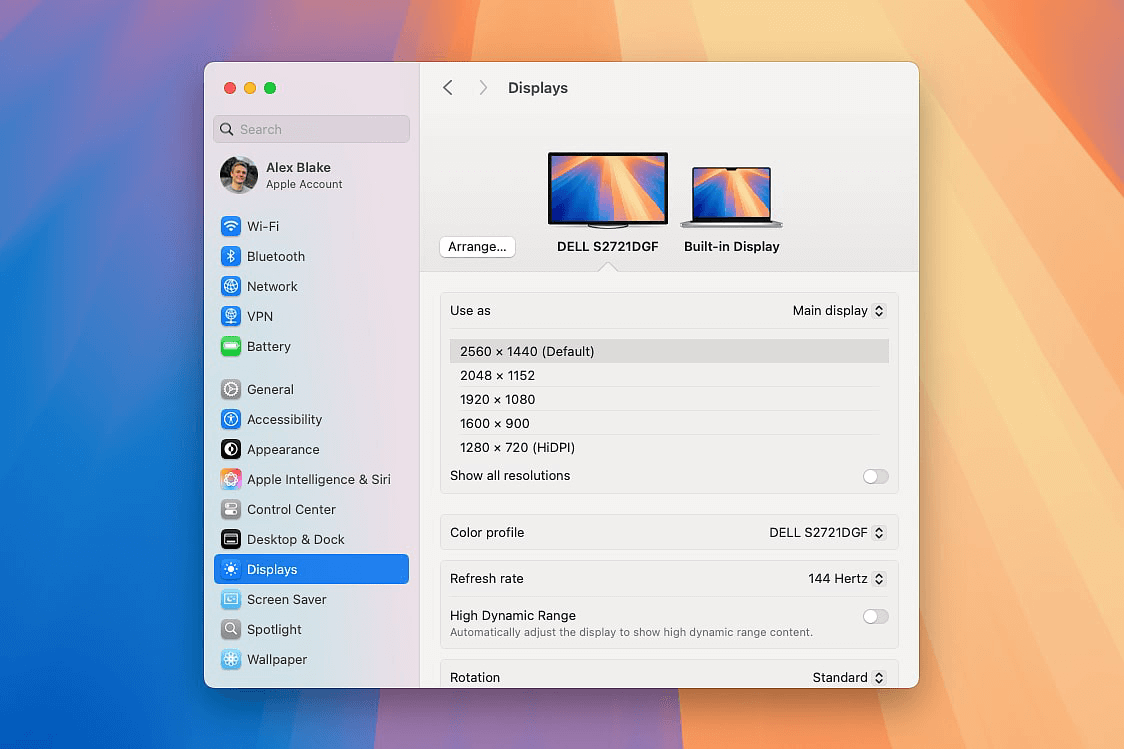
- Go to Apple Menu → System Settings.
- Click Displays.
- Select a resolution from the list.
On Linux
Linux steps vary depending on your desktop environment (Ubuntu GNOME, KDE Plasma, XFCE, etc.), but the process is very similar across all major distributions. Read this article.
On Android
Most Android devices do not allow manual resolution change, but you can view your resolution using this website.
On iPhone / iPad
iOS devices use fixed resolution. Our tool detects viewport size + DPR to show the actual rendered pixel density.
← Back to Home